SoundCloud
SoundCloud Downloader - Public Audio
Save public SoundCloud tracks as an audio file, in the format SoundCloud streams it (M4A or MP3). Paste the track link. Free, no login.
- Free
- No login
- Audio file
- iPhone, Android & PC

How to download a SoundCloud track
-
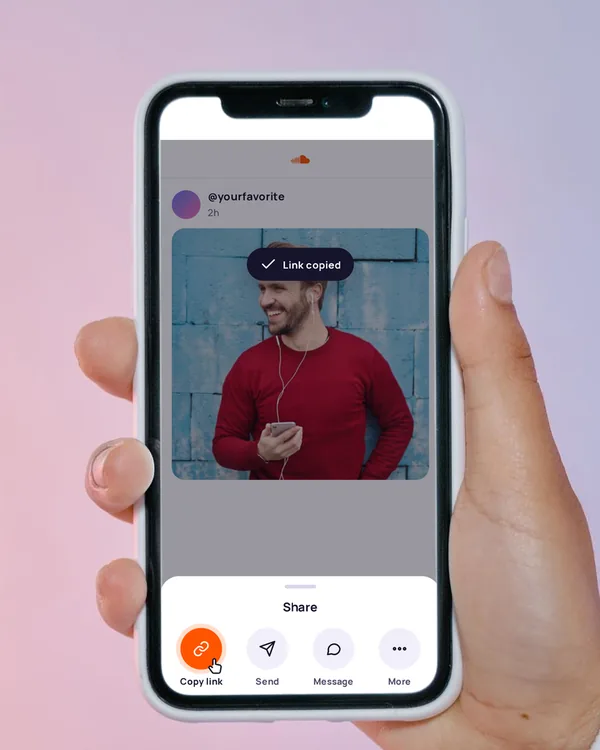
Copy the track link
On the track, tap Share, then Copy link. On a computer, copy the address from the browser bar.
-
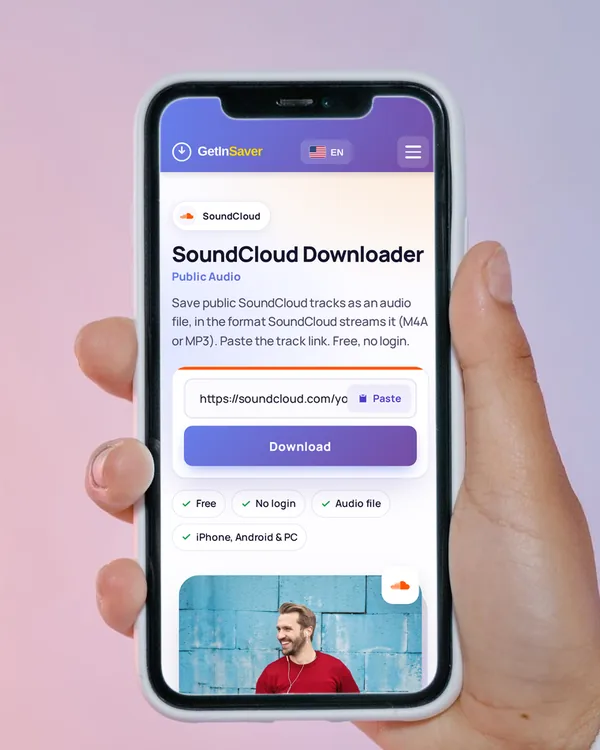
Paste it here
Tap Paste above, or press and hold the box and paste. The download starts on its own.
-
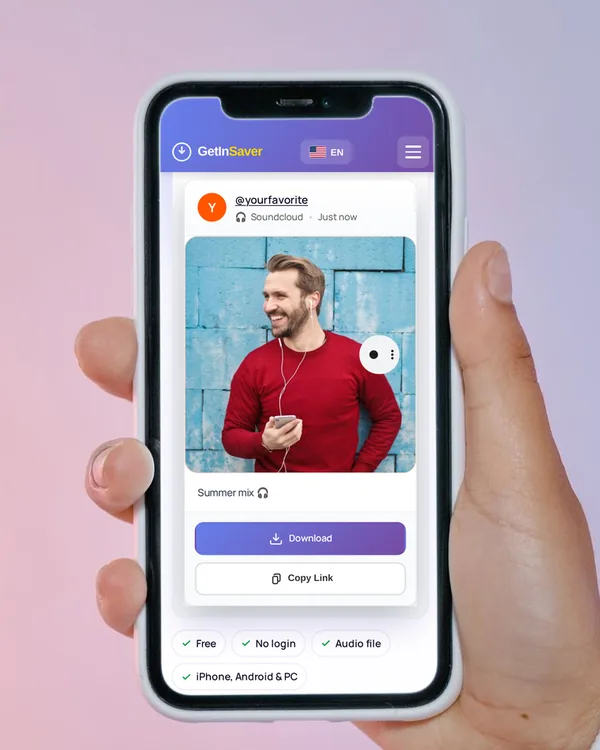
Save the track
Tap Download. The track saves as an audio file you can play anywhere.
In Safari, tap Download. The track goes to Files › Downloads, where you can play it or share it to another app.
In Chrome, the audio file goes to the Downloads folder and plays in any music app.
The file saves to your Downloads folder and plays in any media player.
What you can save from SoundCloud
Public tracks
One audio file in the format SoundCloud streams it, usually M4A or MP3.
Podcasts and talks
Spoken tracks and podcast episodes from public accounts.
Mobile links
Links from m.soundcloud.com work too.
Not possible
- Sets and playlists (one track at a time)
- Private tracks
- Full Go+ tracks (only the 30-second preview is public)
- Tracks blocked in our server’s country
Links that work
soundcloud.com/artist/track-namem.soundcloud.com/artist/track-name
A set (soundcloud.com/artist/sets/…) is a list. Open one track and copy its link.
Tips for saving the right file
Got only 30 seconds?
Some tracks, like Go+ and many label releases, are public only as a 30-second preview. That preview is all that can be saved.
M4A plays everywhere
M4A is the same kind of audio Apple Music uses. iPhone, Android and every computer play it.
One track at a time
Sets and profiles are lists. Copy each track’s own link.
Support the artist
Follow, share or buy from the artists whose tracks you keep.
If the download doesn’t work
- “No downloadable public SoundCloud audio was found”
- The track is private, removed, or blocked in our server’s country.
- “…profile or playlist has no downloadable public tracks”
- You pasted a profile or a set. Open one track and copy its link.
- The file is only 30 seconds long
- The track is a Go+ or label release. Only its preview is public.
- “The source service took too long to respond”
- SoundCloud was slow. Wait a moment and try again.
Frequently asked questions
Is the SoundCloud downloader free?
Yes. You can save as many public tracks as you normally need without paying or signing up.
Do I need a SoundCloud account?
No. Paste the link of a public track and download.
Do I get an MP3?
You get the file in the format SoundCloud streams it, usually M4A or MP3. We don’t convert it.
What sound quality will I get?
The same quality SoundCloud streams to listeners.
Can I download a whole set or playlist?
No. Open each track and copy its own link.
Why did I get only 30 seconds?
Go+ and many label tracks are public only as a 30-second preview, so that is what can be saved.
Will the artist know I saved their track?
No. SoundCloud does not notify the artist when a track is downloaded here.
Where is the track on my iPhone?
In the Files app › Downloads. Open it there to play or share it.
Download only what you have the right to keep, and credit the creator when you share.