



Last Updated: May 11, 2026
Instagram Story Downloader Summary
Best for: Downloading available public story media from supported links.
- Works with supported story/profile inputs
- No Instagram login required in GetInSaver
- Quick download flow for mobile/desktop
What Can You Download with GetInSaver Instagram Story Downloader?
Instagram Stories are the pulse of the platform—dynamic, raw, and exciting. But their 24-hour expiration makes them notoriously difficult to keep. GetInSaver's specialized Story Downloader is designed to help you capture these moments before they disappear forever. Whether it’s a precious family update, a limited-time brand promotion, or a piece of breaking news, our tool gives you the power to archive it permanently.
1. Active Stories (Photos & Videos): Any story currently live on a public user's profile can be saved with GetInSaver. We handle both still images and high-definition video clips. Our system fetches the highest resolution available, ensuring that even vertical video looks great on your device.
2. Story Highlights (Archive Access): Many users organize their best stories into Highlights at the top of their profile. GetInSaver can process these Highlight links, allowing you to go back in time and download content that might have been posted months or even years ago. This is perfect for archiving entire vacation trips or professional portfolios.
3. Multiple Stories at Once: If a user has shared ten or twenty stories in a row, our tool can identify the sequence. You can pick and choose which specific slides you want to save, or grab the entire set without having to perform dozens of individual searches.
4. Anonymous Viewing and Saving: One of the most requested features is the ability to view stories without the owner knowing. When you use GetInSaver, our servers act as the "viewer," meaning your name never appears in the Instagram 'Seen by' list. You can browse and archive content with total peace of mind and complete privacy.
Why GetInSaver is the Ultimate Tool for Instagram Stories?
Stories present a unique technical challenge because they are so ephemeral and highly protected by Instagram's API. GetInSaver is engineered specifically to bypass these hurdles while providing an ethical and secure service.
100% Guaranteed Anonymity: This is our hallmark feature. Most people want to watch stories without the pressure of the owner seeing their interaction. GetInSaver makes this possible by creating a "Safe Shield" between you and the platform. We fetch the media and show it to you in our interface, so you are never directly interacting with Instagram's tracking systems. Your privacy is baked into every line of our code.
No Instagram account needed: You don't even need to have an Instagram profile to use GetInSaver. If you want to see what a public figure or a brand is posting in their stories, you can just search their username on our site. This is ideal for those who have deleted their accounts but still want to stay informed or for professional researchers who need to monitor public profiles without creating dummy accounts.
High-Performance Fetching: Because stories only last 24 hours, speed is critical. Our servers are optimized for "Fast-Sync" with Instagram’s story servers. When a new story is posted, it’s usually accessible through GetInSaver in seconds. We provide a reliable way to catch content even in the final minutes before it expires.
Clean, Multi-Device Experience: Saving stories on a phone can be annoying, often involving clunky screen recording that captures your notifications and UI. GetInSaver gives you the raw file. On desktop, it's a simple right-click; on mobile, it's a integrated download button. We make the process feel native to your device, no matter which one you are using.
Pro Tips for Anonymous Story Saving
archiving ephemeral content requires a bit of strategy. Follow these tips to ensure you never miss a moment and that your local archive is as high-quality as possible.
The Username Search Method: You don't always need a specific link. Often, just entering the username of the public profile (e.g., @getinsaver) into our search box will bring up all their current active stories. This is the fastest way to browse anonymously without visiting Instagram at all.
Check the "Highlights" First: If you are looking for an old story, it might be saved in the Highlights section of the user's profile. These do not disappear after 24 hours. Our tool handles these Highlight links just as easily as active stories, extending the window of what you can Archive.
Act Fast Before Expiration: Remember that once a story hits the 24-hour mark, it is removed from Instagram's public servers (unless it's a highlight). Our tool cannot recover content that has already expired. If you see something you need, use GetInSaver immediately to secure your copy.
Managing Mobile Storage: If you download dozens of video stories, they can quickly fill up your phone's memory. We suggest moving your archived stories to a cloud service like Google Photos or iCloud once a week to keep your device running smoothly while still preserving your collection.
Story Quality & Supported Media Formats
We believe that even a 15-second story deserves to be saved in the best possible light. We maintain the highest technical standards for every story we process.
Vertical Video (MP4): Stories are usually 1080x1920. We preserve this aspect ratio perfectly so the video fills your screen during local playback. We use H.264 encoding for maximum compatibility.
Still Images (JPEG): Photos are saved in their original high-definition format, bypassing the standard small-scale preview often seen in browsers.
Audio Preservation: We ensure the music stickers and voiceovers in the story are captured perfectly in the final file.
By providing standardized formats, we ensure that your archived stories can be easily imported into other apps, edited in video software, or simply enjoyed in your gallery for years to come.
Related Free Social Media Downloaders
Frequently Asked Questions – Instagram Story Downloader
How do I download Instagram Stories?
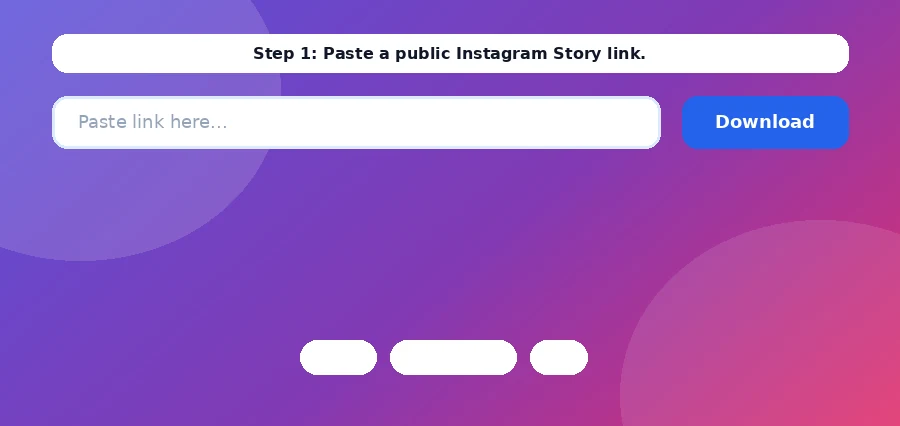
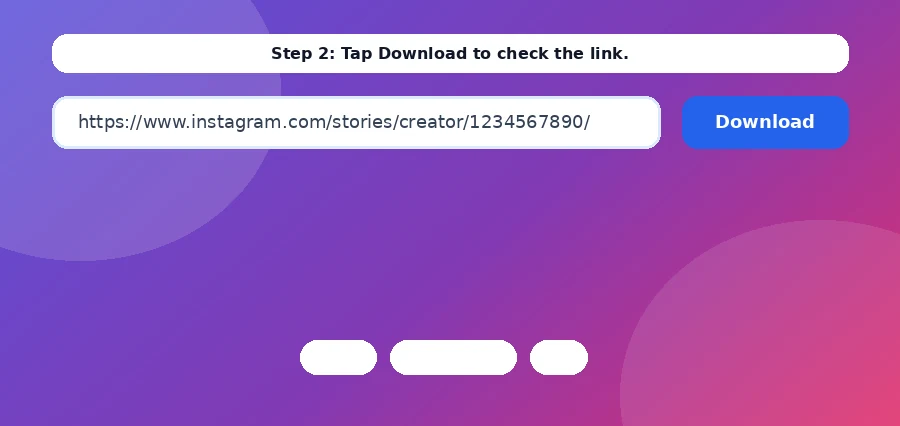
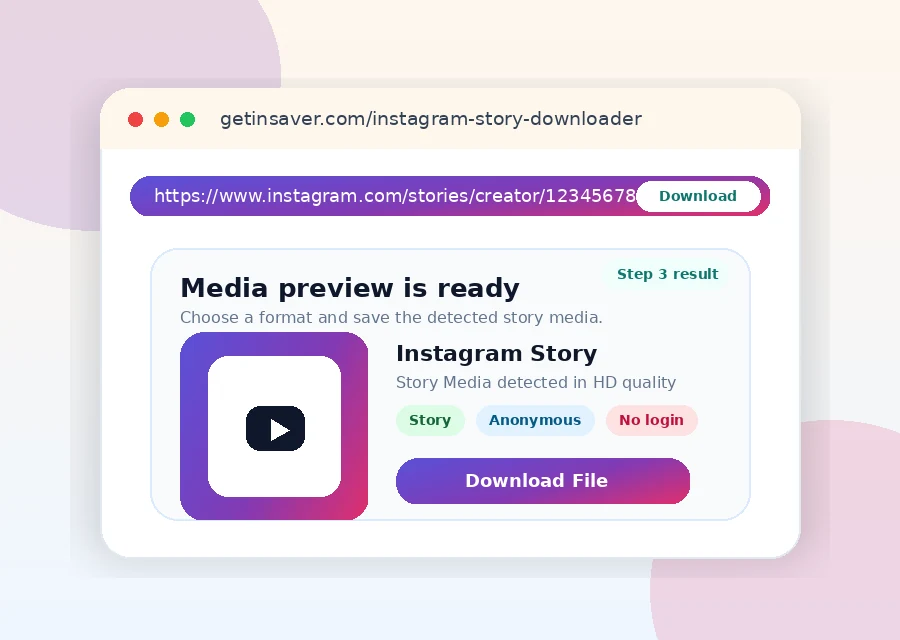
Paste a supported public story/profile link and click Download. GetInSaver fetches available story media and returns downloadable files.
Can I download multiple story items at once?
Yes. If multiple active items are available, GetInSaver can return multiple downloadable entries.
Why are some stories missing?
Missing items can be caused by expiration, private visibility, regional restrictions, or upstream fetch limitations.
Can I download Highlights?
Highlights may be downloadable when publicly accessible and exposed by the source response.
What format are story videos?
Story videos are usually delivered as MP4 and images as JPG/PNG depending on source availability.
Does story downloader require Instagram login?
No. GetInSaver does not require your Instagram credentials.
Is it mobile-friendly?
Yes. Story downloader works on mobile and desktop browsers.
Downloader Reliability Notes
For stable Telegram download results, always use the original public post URL and avoid shortened links when possible. If a file does not load on the first try, refresh once and submit the same link again after a few seconds. Source availability can change quickly when posts are edited, removed, or region-limited. GetInSaver is designed to process publicly accessible media only and does not bypass private access controls. For teams, the best workflow is to keep a shared list of verified links, downloaded filenames, and timestamps so nothing is lost. This simple process improves consistency, reduces retry time, and keeps your archive clean and traceable across desktop and mobile devices.
If you run repetitive downloads every day, create a practical checklist: validate URL format, confirm source visibility, retry once on transient failure, and store output with a predictable naming scheme. A consistent checklist eliminates random results and makes troubleshooting much faster. For content teams, this matters because delayed retrieval can break publishing schedules. You should also keep platform-specific folders and a weekly cleanup routine to avoid duplicate files and stale assets. On mobile devices, prioritize stable networks before downloading large media and ensure enough free storage is available. On desktop, batch your review process: validate links first, then execute downloads, then quality-check all outputs in one pass. This structure saves time and reduces human error. GetInSaver works best when used as part of a repeatable workflow rather than ad-hoc one-off actions. The goal is not only successful downloads, but reliable operations you can scale safely.
Another recommendation is to document source context for each downloaded file: original URL, capture date, and intended use case. This simple metadata discipline helps future audits, improves searchability inside your archive, and prevents accidental misuse of outdated or removed content. If a platform updates delivery behavior, your historical notes help isolate change impact quickly. For high-volume users, maintain a small quality rubric for every file: playable status, resolution expectation, audio sync, and duplicate check. With this method, your archive remains usable over time instead of becoming a large unstructured folder. GetInSaver is optimized for practical execution, and these operational habits maximize that advantage across Pinterest, X/Twitter, Telegram, and story-driven workflows.